
Brokerage Statement to Analysis In 30 Seconds
Upload a held-away statement from Schwab, Fidelity, Pershing, or 100+ custodians. The AI extracts every holding, validates tickers, and builds complete risk analysis in 30 seconds, so advisors can focus on closing the prospect, not re-keying data.

Trusted by advisory firms across North America
















Manual Data Entry Is Costing Advisors Deals
Every hour spent re-keying statements is an hour not spent with prospects
A single prospect with 3-4 held-away accounts means 2-3 hours of manual entry before the advisor can even show an analysis. Meanwhile, prospects are talking to competitors who move faster.
Schwab looks nothing like Pershing. Fidelity looks nothing like Morgan Stanley. Advisors end up decoding layouts instead of building relationships, and the inconsistency slows everything down.
When the numbers in a proposal don't match the statement, trust evaporates. Manual data entry errors make the advisor look careless, and prospects don't give second chances.
How Brokerage Statement Scanning Works
See how advisors read brokerage statements, extract held-away data, and move into winning proposals without manual entry
Upload Any Custodian Statement, Any Format
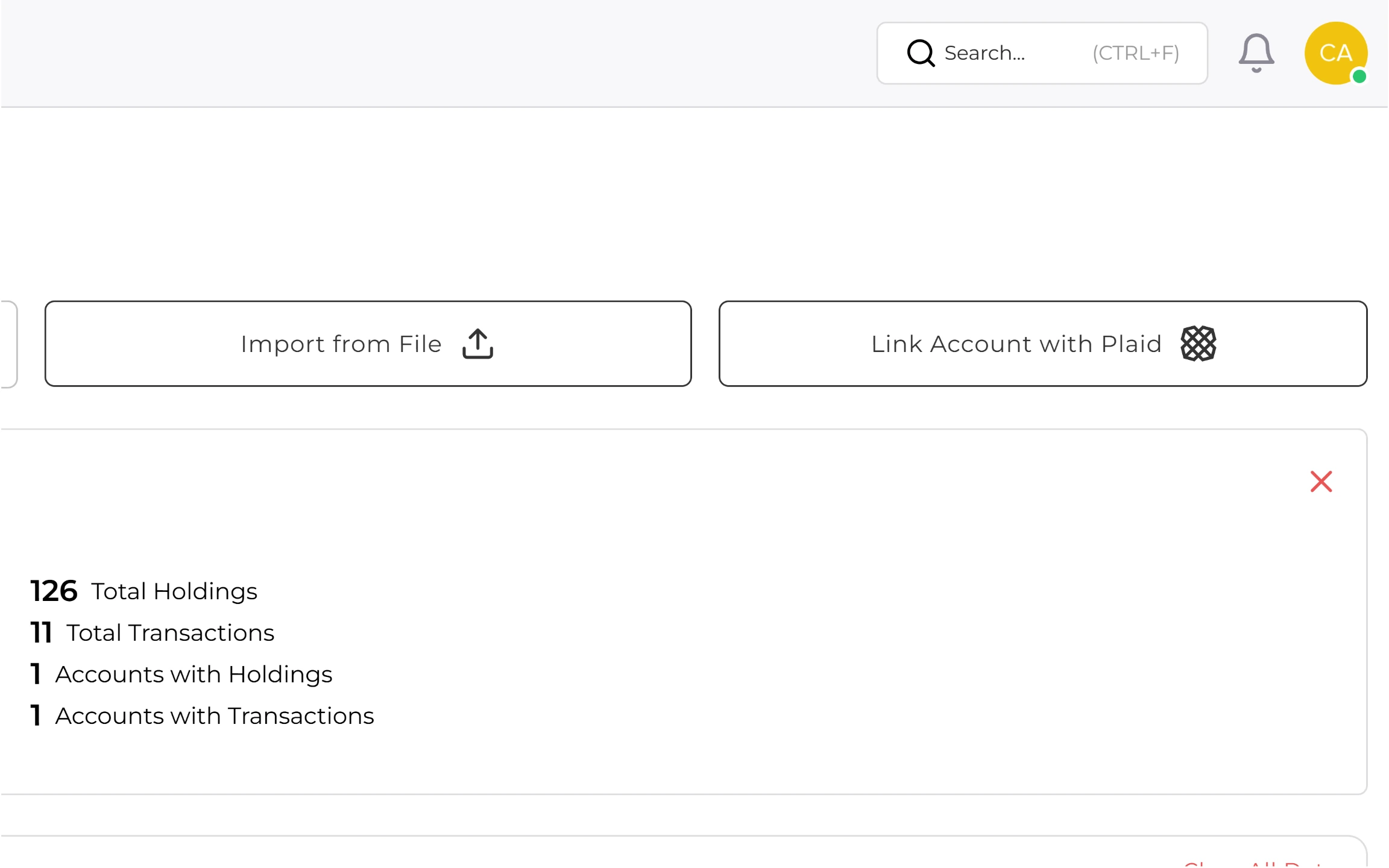
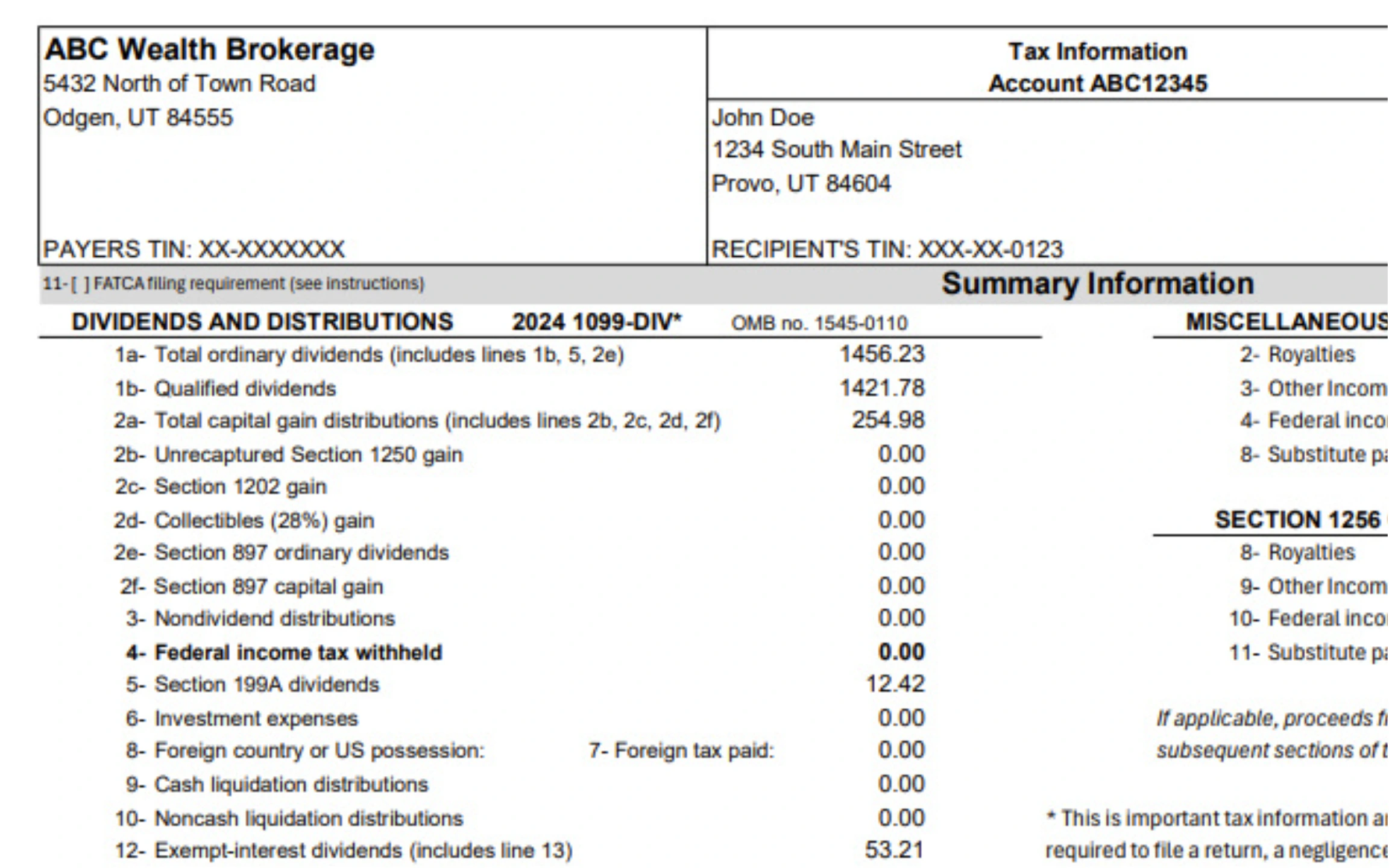
Drag and drop PDFs, images, or scans from Schwab, Fidelity, Pershing, Morgan Stanley, Vanguard, TD Ameritrade, and 100+ more. The scanner identifies holdings tables, cost basis, and account structure automatically, no matter how the custodian formats the document.
Extract Holdings, Tax Lots, and Cost Basis Without Manual Data Entry
The AI reads the holdings table, quantities, prices, market values, and cost basis automatically. Tickers are validated against live market data, and uncertain fields get flagged for a fast human review. That makes it easier to read a brokerage statement correctly without turning every prospect file into a spreadsheet project.
See Risk, Allocation, and Performance Immediately
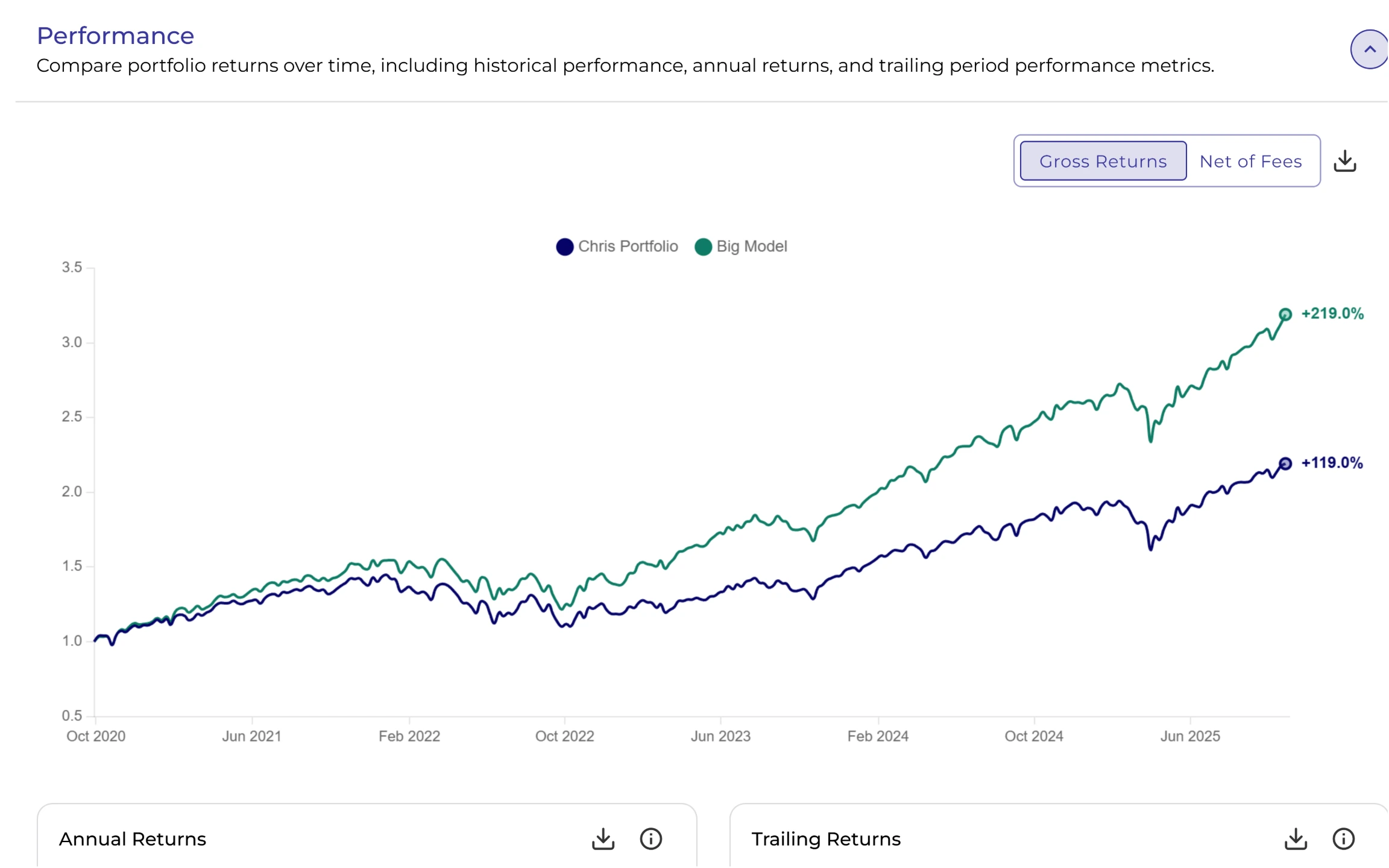
The moment extraction completes, a full portfolio analysis is ready: asset allocation, sector concentration, Sharpe ratio, standard deviation, and 20+ risk metrics. Advisors walk into prospect meetings with insights, not just data.
Use the Data Anywhere: Export or Build Proposals
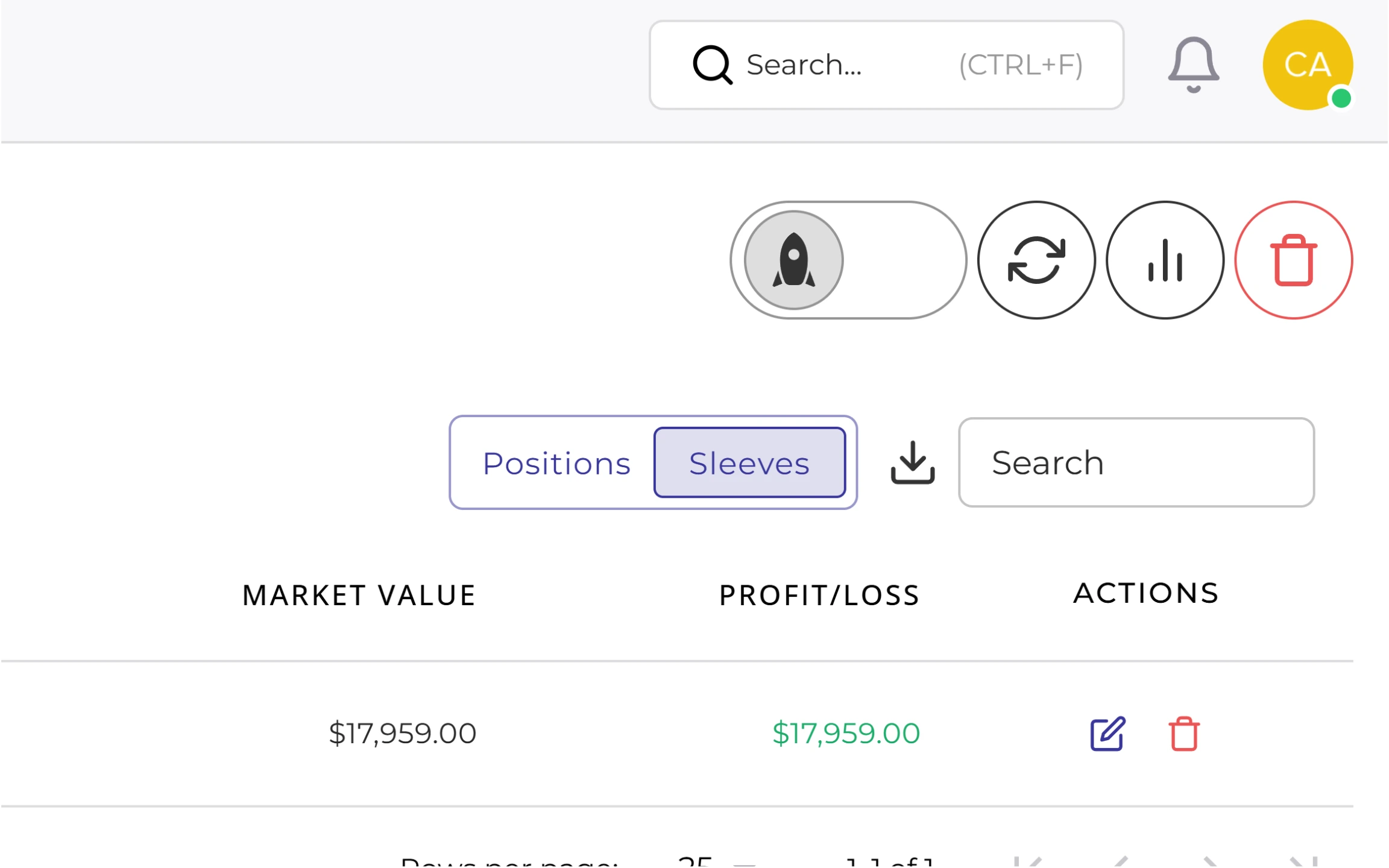
Download clean CSV files for any existing tools, or stay in Investipal to build proposals, run tax transition scenarios, and generate Reg BI documentation. The data flows wherever the advisor needs it.
Trusted by financial advisors
See how practices are transforming their workflows
"We're deeply committed to integrating cutting-edge technology to transform the financial planning landscape. Investipal's innovative approach aligns perfectly with our vision, particularly in utilizing OCR technology to streamline processes and elevate the client and advisor experience."
ProsperPlan Wealth
"Investipal has completely transformed how we approach client onboarding and portfolio management. The AI-powered tools save us countless hours while delivering better outcomes for our clients."
Pacific Portfolio Advisors
"Investipal has been a game-changer for our firm. It really had become an efficiency multiplier for our assistants and back office. It's an indispensable tool for any advisory firm looking to thrive in today's competitive market."
William Joseph Capital Management
Frequently asked questions
Common questions answered
What is a brokerage statement?
A brokerage statement is the periodic account report a custodian sends to show what a household owns and what happened in the account. It typically includes account registration, positions, quantities, market value, cash balances, cost basis, realized gains and losses, and recent transactions. Advisors use it to understand the current portfolio before building a recommendation.
How is a brokerage statement read?
Start with the account summary, then review the holdings table for positions, quantities, market value, allocation, and cost basis. After that, look at transactions, cash movement, realized gains and losses, and any account-level notes or restrictions. Investipal automates that reading process by identifying those sections and converting them into structured data advisors can analyze right away.
What is the difference between a brokerage statement and a 1099?
A brokerage statement is an account snapshot and activity report, while a 1099 is a tax form used to report dividends, interest, proceeds, or other taxable activity to the client and the IRS. Advisors often need both, but they serve different purposes. The statement scanner is built first for portfolio review and proposal prep, not as a replacement for tax filing workflows.
What file formats does the statement scanner support?
The scanner accepts PDFs, JPEGs, PNGs, and most common image formats. It works with digital PDFs from custodians as well as scanned or photographed documents. If a file can be uploaded, Investipal can process it.
How accurate is the AI extraction?
Investipal's AI achieves 99% accuracy on standard brokerage statements. The system automatically validates ticker symbols against market data and flags any uncertainties for quick human review. Advisors always have the chance to verify and adjust before running analysis.
Which custodians and account types are supported?
Investipal supports 100+ custodians including Schwab, Fidelity, Vanguard, TD Ameritrade, E*TRADE, Interactive Brokers, and more. The system handles taxable accounts, IRAs, 401(k)s, trusts, and even handwritten portfolio lists. If a custodian isn't recognized, the AI adapts to the format.
Can advisors review and edit the extracted data before analysis?
Yes. After extraction, a clean table of holdings with tickers, quantities, and cost basis is displayed. Advisors can add, remove, or adjust any position before running the analysis. This gives full control while still saving hours of manual entry.
How is client data secured during the upload and scanning process?
All documents are encrypted in transit (TLS 1.3) and at rest (AES-256). Investipal is SOC 2 Type II certified and follows bank-level security protocols. Documents are processed in secure, isolated environments and can be automatically deleted after extraction based on firm retention policies.
What happens after the data is extracted?
Once holdings are extracted, Investipal automatically builds a comprehensive portfolio analysis including asset allocation, sector concentration, risk metrics (Sharpe ratio, standard deviation, beta), and performance attribution. Advisors can then compare to existing models, build proposals, or export to CSV.
Does this work for held-away asset aggregation and account statements the advisor does not manage?
Absolutely. Held-away asset aggregation is one of the primary use cases. When prospects bring brokerage statements from accounts at other custodians not yet managed, the automated scanner extracts data from those PDF statements instantly, providing visibility into the full financial picture so advisors can build comprehensive proposals.
How long does it take to scan a typical statement?
Most statements process in 20-40 seconds depending on length and complexity. A typical onboarding with 3-4 accounts takes 2-3 minutes total, versus 2-3 hours of manual entry. Complex statements with 50+ holdings might take 60 seconds.
See Brokerage Statement Scanner in Action
See how advisors turn held-away statements into portfolio analysis in 30 seconds.